
Makerblox - Create Skins
Lyrebird Studio
Category
Game
Installs
10M+
Rating
Everyone
Updated
Jul 20, 2026
Category
Game
Developer
Lyrebird Studio
Installs
10M+
Rating
Updated
Jul 20, 2026
Privacy Policy
View Policy
Gallery
6 shots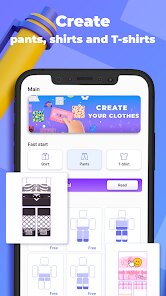
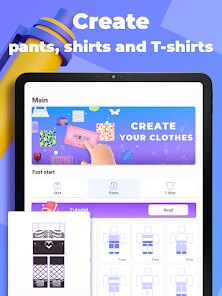
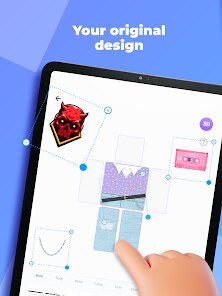
Game Overview
Create Your Own Custom Skins 😎
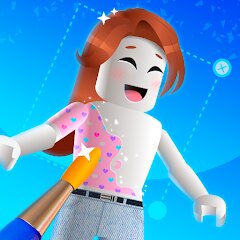
Makerblox – Create Skins is a fun skin editor that lets you design unique block-style characters for your favorite games. Customize colors, outfits, and fine details to create avatars that reflect your own personal style. A Creative Dress-Up Studio ✨ Mix and match everything from casual hoodies to shiny armor in a huge digital wardrobe. Experiment with different combinations, save multiple designs, and switch between your favorite looks whenever inspiration strikes. Easy to Learn, Fun to Master 😉 Simple tap-and-drag controls make designing easy for beginners, while layered editing tools offer extra flexibility for experienced creators. No artistic experience is needed—just your imagination and a little creativity. Save and Share Your Designs 🚀 Store your favorite skins on your device, use them in compatible block-style games, or share screenshots with friends. Create themed characters like ninjas, astronauts, superheroes, and much more.
How It Works
Basic Gameplay
Create unique character skins by choosing a template, painting every body part, and adding stylish clothing and accessories. Save your finished design, then export it for use in compatible games. 🎨
Choose a Base Template
Tap New to start a project, then select a body style that matches your idea, such as classic, slim, or another available template.
Paint Your Character
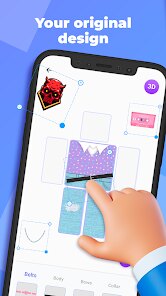
Select the head, torso, arms, or legs to edit each section individually. Use brushes, colors, and ready-made patterns to create a unique design.
Add Clothes and Accessories
Browse the wardrobe to equip shirts, pants, shoes, masks, and other accessories. Mix and match different items until your character looks just right. ✨
Refine Every Detail
Rotate the 3D model with one finger and pinch to zoom in for precise editing. Use smaller brushes to create clean details like eyes, logos, or stripes.
Save Your Creation
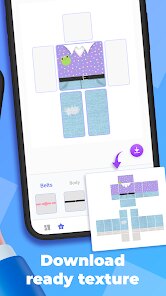
When you're satisfied with your design, tap Save, give your skin a name, and export it in the supported file format to your device.
Show Off Your Style
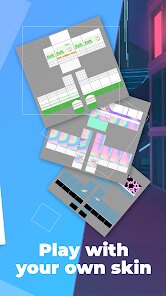
Import your saved skin into a compatible game through its avatar or profile menu. Try different designs, experiment with new color combinations, and create a collection of custom looks. 😎